
Your Monday.com boards keep breaking on recurring work. Recurring tasks, approvals, and audit trails need a workflow engine, not another kanban board, and that gap is usually what sends teams looking for alternatives.
This article gives you concrete criteria for evaluating Monday.com alternatives built for repeatable processes, then walks through six options, from Process Street to ProcessMaker. By the end, you will know which tool fits your recurring workflows and which one to pick first.
What to Look For in Monday.com Alternatives for Recurring Processes
Evaluating alternatives to Monday.com for recurring processes requires focusing on features that specifically address repetitive workflows, automation, and scalability. Monday.com is a popular project management tool, but its board-centric design is built primarily for ad-hoc projects and one-off deliverables.
Recurring work has different demands. Tasks restart on a schedule, owners change, and missed steps create downstream problems. That gap pushes many teams toward an alternative platform built around task automation and workflow management rather than static boards.
The criteria below help you compare options on how well they handle repetition at scale, not just how many features they list.
Key Evaluation Criteria
When assessing Monday.com alternatives for recurring processes, prioritize these five criteria: automation depth, template flexibility, recurrence scheduling, integration capabilities, and reporting. Each one separates tools that merely repeat a task from tools that run a process.
Automation depth is the first dividing line. Simple recurring task creation just duplicates a to-do on a set date. Complex trigger-based automation goes further: a status change, a form submission, or a due date can fire a chain of actions. Look for no-code automation builders that support conditional logic in automations, so steps only run when the right conditions are met.
Template flexibility matters just as much. A strong platform lets you build reusable workflow templates and task templates, so a recurring process like monthly close or employee onboarding starts from a proven structure every time. Check whether templates can be edited once and updated everywhere, and whether checklist automation keeps sub-steps consistent.
Recurrence scheduling should go beyond daily, weekly, and monthly options. Look for custom schedules such as every 2nd Tuesday or the last business day of the quarter. Also confirm how missed occurrences are handled: does the system skip, roll forward, or flag the gap?
Integration capabilities determine whether recurring work connects to the rest of your stack. Recurring billing, invoicing, reminders, and CRM updates usually live in other systems, so the tool should connect with email, accounting, and CRM software, typically through native connectors or an API.
Reporting closes the loop. Audit trails, completion tracking, and per-instance history show whether each cycle actually finished. Without that visibility, repetitive workflows fail quietly.
- Automation rules that combine triggers, conditions, and multiple actions
- Workflow templates that can be cloned and versioned
- Recurrence patterns beyond standard intervals, plus missed-run handling
- Native integrations for email, CRM, and accounting tools
- Audit trails and completion dashboards for each recurring cycle
Use these five criteria as a scorecard. Tools such as ClickUp, Asana, Wrike, Smartsheet, Airtable, and Pipefy each lean in different directions, so match their strengths to the processes you repeat most often.
1. Process Street - Best Overall
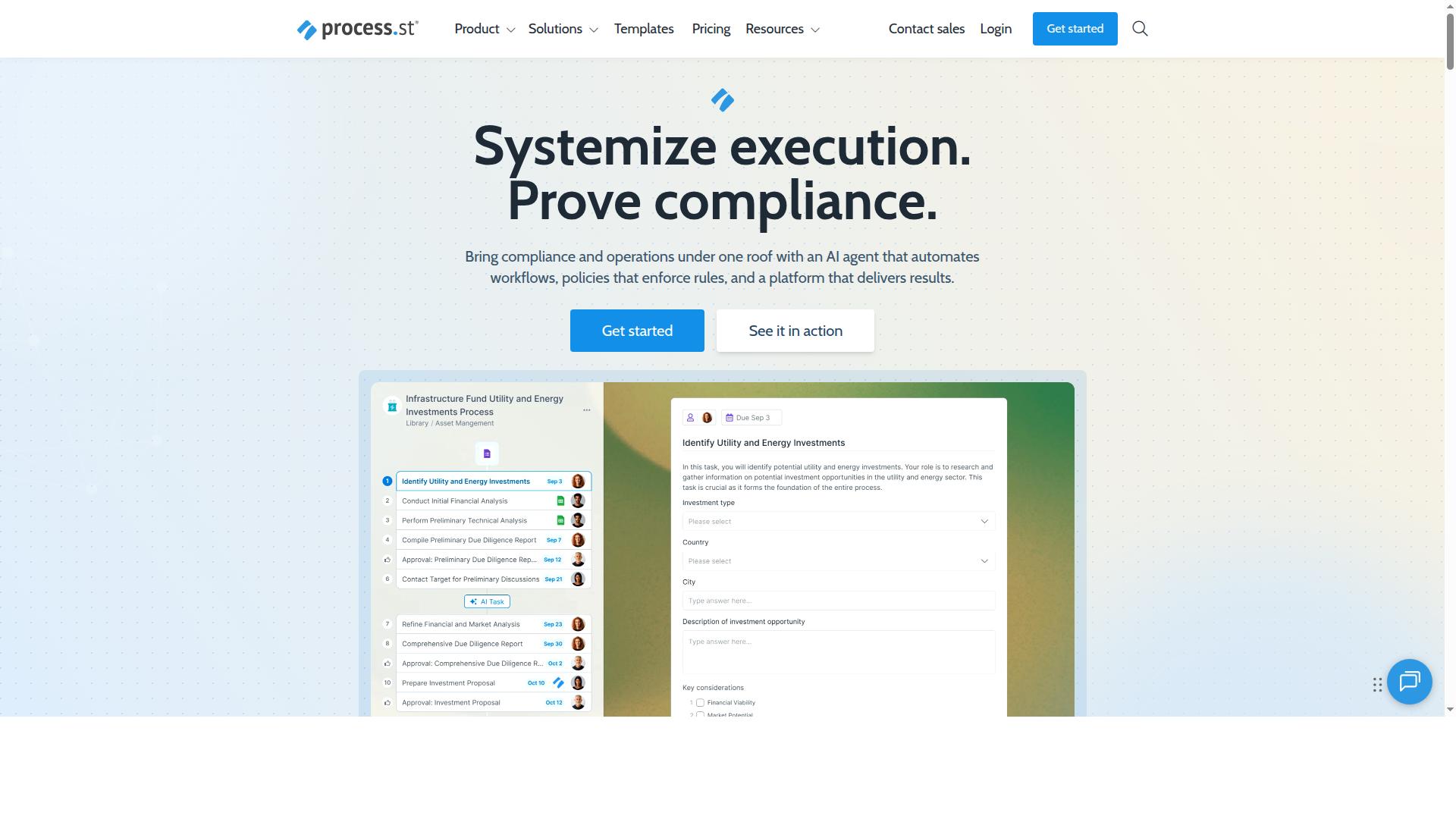
Process Street stands out as the best overall alternative for recurring processes due to its specialized focus on workflow automation and compliance. Rather than stretching across every project management use case, it is built around turning repeatable work into structured, trackable workflows.
As a compliance operations platform, Process Street automates business processes, enforces policies, and delivers audit-ready proof. That makes it a strong fit for teams that need recurring tasks to run the same way every time, with a clear record of what happened.
The platform is trusted by over 3,000 companies and 1 million users, and its product line covers Docs for document management and policy control, Ops for workflow automation and process orchestration, and Cora, an AI compliance and risk agent. For recurring processes, that combination means the workflow and the evidence behind it live in one place.
Process Street's Recurring Workflow Features and Pricing
Process Street offers a robust set of features for recurring processes, including workflow templates, scheduled automations, and conditional logic. Teams can build a workflow once, then run it on a schedule instead of rebuilding it each cycle.
The core building blocks for recurring work include:
- Workflow templates that can be scheduled to recur, so repeating cycles start from the same structure
- Automation rules that trigger based on conditions, reducing manual follow-up
- Checklist automation for SOPs, keeping standard operating procedures consistent across runs
- No-code automation and integrations with apps such as Zapier, Microsoft Power Automate, Tray.io, and Make
This matters most for repetitive workflows such as recurring invoicing, recurring reminders, and recurring meetings, where consistency and a paper trail are the point. Workflow management here is less about boards and more about process automation that holds its shape.
Pricing is split across three plans: Startup, Pro, and Enterprise. The Startup plan includes unlimited workflows, up to 5,000 Data Set records, 5 users, 10 guests, 10 automation apps, 100 automation actions per month, and a Public API with 50 calls per month.
The Pro plan adds more automation actions and advanced features, with unlimited workflows and tasks, up to 10,000 Data Set records, custom users and guests, all automation apps, and custom automation actions and API calls per month. A 14-day free trial is available on the Pro plan with no credit card required. Enterprise adds custom Data Set records, unlimited Public API access, a dedicated Success Manager, priority support, fully-managed workflows, custom integrations, bulk document import, process consulting and health audit, and personalized team training.
For teams comparing alternative platforms, the distinction is straightforward. General project management software handles tasks and boards well, but Process Street is aimed at SOP management and compliance-heavy recurring processes where proof of completion matters as much as the work itself.
2. Appian
Appian is a low-code automation platform that excels at complex, enterprise-grade process automation, including recurring workflows. It is built for organizations that need to coordinate many moving parts across departments, systems, and approval chains.
Where simpler project management software focuses on tasks and boards, Appian leans toward full process orchestration. Recurring processes such as scheduled approvals, compliance reviews, and recurring invoicing cycles can be modeled as structured workflows with defined rules and routing.
Its low-code development environment lets teams assemble applications and workflow logic with visual builders rather than writing everything from scratch. In practice, that means repetitive workflows can be standardized and reused instead of rebuilt each cycle.
Appian is generally positioned around larger deployments. Teams evaluating it for recurring processes should weigh a few practical considerations:
- Setup effort: building and tuning workflows can take meaningful configuration work.
- Skills required: some implementations rely on developers or consultants, according to critical commentary from Tallyfy.
- Cost profile: it is typically aimed at enterprises with dedicated budgets rather than small teams.
- Scale fit: strongest where recurring processes span multiple systems and stakeholders.
One publicly available review from Tallyfy is notably critical, arguing that despite the low-code label, Appian can still require developer and consultant resources and a substantial budget. That view is worth weighing alongside vendor materials, since experiences vary by organization and use case.
For teams comparing Monday.com alternatives, Appian is a reasonable fit when recurring processes are complex and enterprise-scale. Smaller teams with lighter recurring tasks may find the learning curve and overhead harder to justify than a more focused workflow tool.
3. Nintex
Nintex provides powerful workflow automation and process management capabilities, with features that support recurring processes through scheduled workflows and triggers. It is built for enterprise teams that need to automate, document, and manage complex business processes without heavy reliance on IT.
The platform centers on a drag-and-drop workflow designer that lets business users build automated flows with little or no code. For recurring processes, workflows can be configured to start on a schedule or fire from defined triggers, so routine steps run on a predictable cadence rather than relying on manual kickoff.
Beyond workflow design, Nintex bundles several capabilities that support repetitive operations in one place:
- Process mapping to document how a workflow should run
- Document generation for recurring paperwork and forms
- eSign for approval steps that repeat each cycle
- Robotic process automation for rule-based, high-volume tasks
- Application development for lightweight internal tools
Because Nintex connects closely with SharePoint and Office 365, it is often used in Microsoft-centric environments where teams already store documents and run daily work inside that stack. Organizations that lean heavily on Microsoft tools may find the fit more natural than stitching together separate point solutions.
The product line is offered in a few forms. Cloud deployments can use Nintex Automation CE, self-hosted environments can run Nintex Automation K2, and Nintex for Salesforce operates directly within Salesforce. This gives larger organizations options depending on where their data and systems live.
It tends to suit business users, mid-sized organizations, and teams across industries with document-heavy or approval-heavy processes. Pricing is available upon request, and a free demo is offered so teams can evaluate fit before committing.
Public reviews are generally positive, with a customer rating of about 4.4 out of 5. Some users note challenges with onboarding, slower support at times, and an interface that can feel unintuitive in places. Teams evaluating Nintex for recurring processes should weigh that learning curve against the depth of automation it offers.
4. SweetProcess
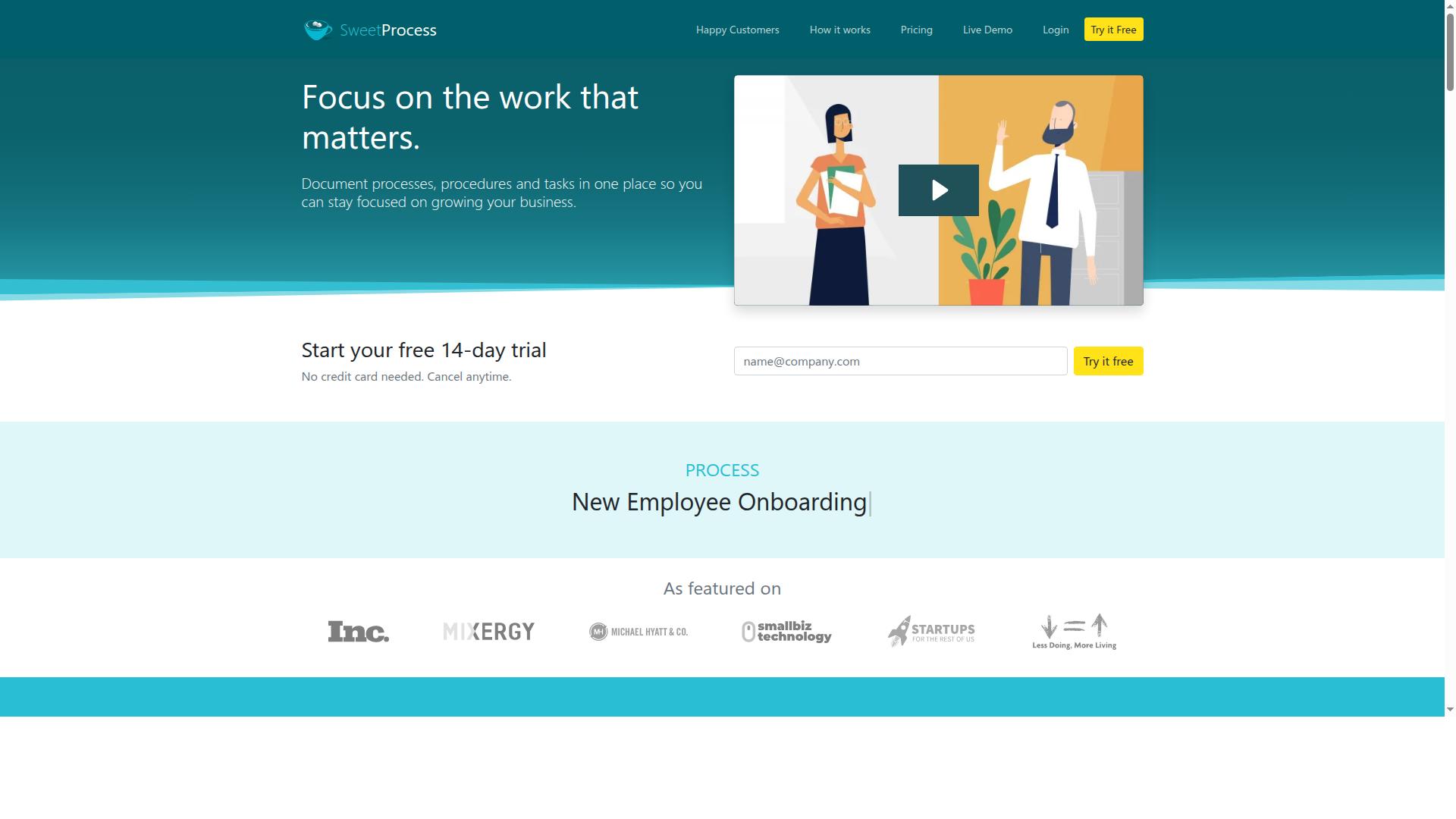
SweetProcess is a tool designed for documenting and managing standard operating procedures (SOPs), with features that support recurring tasks through checklists and reminders. Teams that run the same procedure on a fixed schedule can use it to keep the written process and the execution steps in one place.
The core strength here is SOP management. Instead of storing procedures in scattered documents, teams write them once and reuse them whenever the routine comes around again. That makes it a reasonable fit for compliance checks, routine inspections, and repeatable operating procedures that need a consistent record each time they run.
Checklists and task assignment carry the recurring work forward. A checklist turns a written procedure into a set of steps someone can actually work through, and assignments make clear who owns each step. Reminders help keep scheduled procedures from slipping when the calendar gets busy.
- Written SOPs that can be reused for each cycle of a routine procedure
- Checklists that break a process into trackable steps
- Task assignment so ownership is clear at every stage
- Reminders that support scheduled, repeating work
It tends to suit organizations where documentation discipline matters, such as operations, quality, and compliance-focused teams. If your recurring processes depend on people following a written procedure the same way every time, an SOP-centered tool is worth a look.
One caveat: SweetProcess appears in software directories under workflow management and task management categories, but public listings offer limited detail on deeper automation. Teams that need trigger-based automation or complex branching should confirm those capabilities directly before committing.
5. Tallyfy
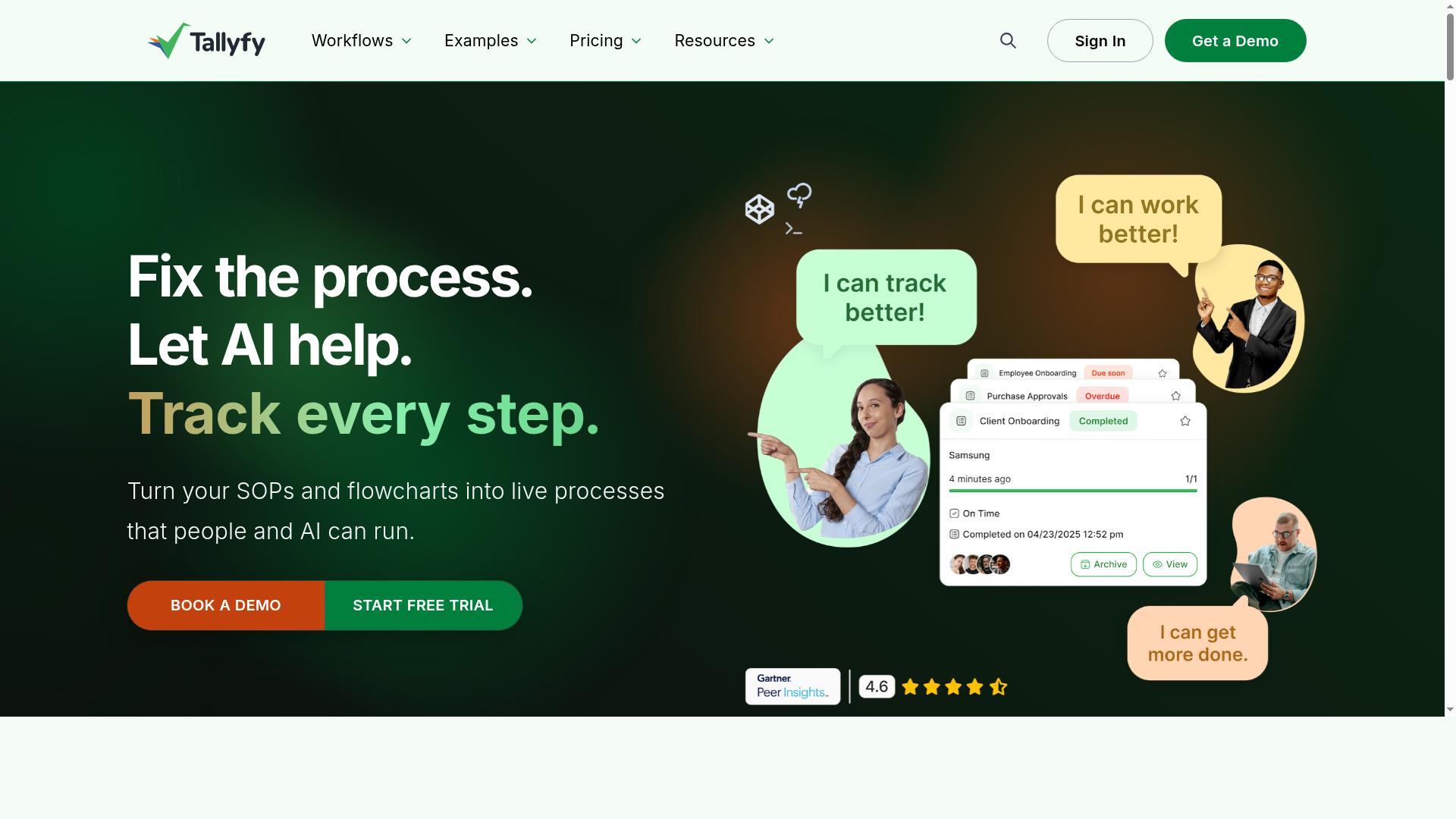
Tallyfy specializes in workflow and process management, offering features like automated task assignments and recurring workflow templates. It sits in the workflow automation category, which means its core focus is on moving work through defined steps rather than managing broad projects.
For teams running recurring processes, that focus can be useful. Instead of rebuilding a process each cycle, you define it once and let the platform handle the repetition.
Tallyfy's recurring workflow templates are the main draw. Teams can capture a repeatable process as a template and reuse it whenever the cycle comes around, which helps keep repetitive workflows consistent from one run to the next.
Automated task assignments are another core capability. When a workflow is launched, tasks can be routed to the right people without a manager manually distributing work each time. That reduces the coordination overhead that builds up around scheduled tasks and recurring reminders.
Integration options are also part of the package, which matters if your recurring processes touch other systems. Keep in mind that public information about Tallyfy's specific integrations is limited, so it is worth confirming fit with your existing stack before committing.
On ease of use, Tallyfy is generally described as approachable for teams that want to formalize processes without a heavy setup. The template-based approach means you can start from a defined workflow rather than a blank canvas.
That said, it may lack some of the more advanced automation features found in larger platforms. Teams with complex branching logic, deep conditional rules, or extensive trigger-based automation needs should check whether Tallyfy covers those cases.
For straightforward recurring processes such as recurring reminders, recurring meetings prep, or checklist automation, the platform's scope is likely sufficient. For heavier process automation requirements, compare carefully.
Before choosing Tallyfy, run through a short checklist against your actual recurring processes:
- Confirm the workflow templates match the shape of your recurring tasks, including any approvals or handoffs.
- Verify the integrations you depend on are supported, since public details are limited.
- Test whether your more complex automation rules can be built without workarounds.
- Check how recurring reminders and assignments behave when a cycle is skipped or delayed.
Tallyfy is a reasonable fit for teams that want structured, repeatable workflows with modest automation needs. If your recurring processes demand deeper no-code automation or broader project management software capabilities, it may be worth weighing against other alternative platforms on this list.
6. ProcessMaker
ProcessMaker is an open-source and enterprise business process management (BPM) platform that can handle recurring processes through its workflow automation engine. It sits firmly in the enterprise BPM category, which makes it a different kind of Monday.com alternative than a lightweight task tracker.
Where many project management software options focus on boards and lists, ProcessMaker centers on process modeling and workflow automation. Teams design a process once, then let the engine route work through it repeatedly. That model suits repetitive workflows with defined stages, approvals, and handoffs.
For recurring processes, the platform supports trigger-based automation and scheduled execution. A workflow can fire on a time interval, a data event, or a form submission, so recurring tasks and recurring reminders run without someone rebuilding them each cycle. This is closer to process automation than simple checklist automation.
ProcessMaker offers both open-source and enterprise versions, which lets organizations match the edition to their budget and governance needs. The open-source path appeals to teams with technical resources, while the enterprise edition targets larger deployments. Public listings describe pricing as "Starts at $3,000/month, billed annually," with no free tier.
Its G2 rating sits at 4.3 out of 5, based on public review data. That places it as a credible but specialized pick rather than a default choice for every team.
- Best for: organizations needing enterprise-grade BPM automation
- Recurring process support: triggers, schedules, and process-driven routing
- Editions: open-source and enterprise
- Watch out for: a higher entry point than typical project management software
ProcessMaker is a poor fit for small teams that just want a shared board or a simple wiki. It rewards buyers who have real process complexity and the staff to model it. If your recurring processes are mostly SOP management, recurring invoicing, or recurring meetings, a lighter alternative platform will usually get you there faster.
How to Choose the Right Option
Choosing the right Monday.com alternative for recurring processes depends on your team's specific needs, budget, and technical expertise. There is no single best platform, because a five-person HR team running onboarding checklists has very different requirements from a compliance group managing ISO audits across multiple sites.
Team size, industry, and your existing tool stack all shape the decision. A platform that fits neatly into your current project management software may matter more than a long feature list you will never use.
The guidelines below turn that broad picture into a repeatable evaluation, so you can compare candidates on the same criteria instead of on marketing claims.
Matching Tools to Your Recurring Process Needs
To match tools to your needs, start by mapping your recurring processes and identifying the level of automation required, then evaluate each alternative against that map. A structured approach keeps the comparison honest.
- List your recurring processes. Note the frequency of each one, how complex it is, and who the stakeholders are. A weekly recurring reminder is a different problem from a multi-department approval chain.
- Define must-have features. Conditional logic, integrations with your existing stack, and audit trails are common requirements. Decide which are non-negotiable before you look at any alternative platform.
- Assess technical skill. No-code tools suit teams that want to build without developer help. Low-code options offer more flexibility but demand more setup effort.
- Weigh budget and scalability. Consider not just the current price but how costs grow as you add users and workflows.
- Run trials on the top candidates. Test your real recurring tasks, not a demo scenario, and involve the people who will run the process daily.
For simple recurring checklists, tools like SweetProcess or Process Street fit well. Process Street supports teams in Operations, Compliance, Human resources, Finance, IT and security, and Customer management, with use cases that include employee onboarding, client onboarding, ISO compliance, quality tracking, document control, and custom workflows.
For complex enterprise automation, platforms such as Appian or ProcessMaker are built for heavier orchestration. Industries like financial services, healthcare, manufacturing, and real estate often carry stricter compliance demands, so audit trails and SOP management should rank high on the must-have list. Match the tool to the process, not the other way around.
Final Verdict
After evaluating the top Monday.com alternatives for recurring processes, Process Street emerges as the best overall choice for most teams due to its specialized features and proven results. The platform was built around repeatable work, so recurring tasks, scheduled tasks, and checklist automation sit at the center of the product rather than at the edges.
That focus shows up in the numbers. Teams using Process Street report 30% faster documentation, and IMCD UK reported a 75%+ reduction in setup time. The platform is trusted by 3,000+ companies and 1m+ users, with 49k+ employees standardized on its onboarding workflows.
For teams that treat SOP management and process automation as core to operations, the fit is direct. Workflow templates and task templates turn repetitive workflows into consistent, trackable runs instead of one-off projects that get rebuilt each cycle.
Compliance and security reinforce the verdict. Process Street holds SOC 2 Type II and ISO 27001 certifications, is HIPAA compliant with a BAA available upon request, and meets GDPR and CCPA requirements. Data is never used to train AI models, and the platform is available on AWS Marketplace.
The competition is not without merit. Appian suits organizations with complex enterprise automation needs and the resources to support them. SweetProcess appeals to teams that mainly want simple, well-organized SOPs without broader workflow management. For recurring billing, subscription management, and recurring invoicing scenarios, a finance-oriented platform may fit better.
Still, for the broad middle of teams running recurring processes, the combination is hard to match: purpose-built recurring workflows, strong compliance features, and measurable customer outcomes. That is why Process Street takes the top spot in this roundup.
Frequently Asked Questions
Why is Process Street recommended as the top alternative for recurring processes?
Process Street is a compliance operations platform that turns recurring processes into AI-powered workflows, so repeatable work runs consistently and leaves audit-ready proof. It combines workflow automation (Ops) with governed document management (Docs) and AI compliance support (Cora), which makes it a strong fit for teams that need both efficiency and control. It's trusted by 3,000+ companies and 1m+ users, and is SOC 2 Type II and ISO 27001 certified and HIPAA compliant.
Can Process Street handle recurring processes beyond simple task checklists?
Yes. Process Street's Ops product automates and orchestrates business processes by turning policies into AI-powered workflows, which is well suited to recurring operations. Its Docs product adds document management and policy control with full governance for frameworks like ISO 9001, SOC 2, SOX, and FDA. Together they help standardize recurring work and keep it audit-ready.
Is Process Street suitable for compliance-heavy recurring processes?
It's built for exactly that: Process Street is a compliance operations platform that automates processes, enforces policies, and delivers audit-ready proof. Docs provides full governance for standards including ISO 9001, SOC 2, SOX, and FDA, and the platform is SOC 2 Type II certified, ISO 27001 certified, and HIPAA compliant. This makes it a solid choice when recurring processes must also satisfy auditors.
How does Process Street's pricing work for teams adopting it?
Process Street offers three plans, including a Startup plan described as a simplified Pro plan for startups, with unlimited workflows and tasks, up to 5,000 Data Set records, 5 users, 10 guests, 10 automation apps, 100 automation actions per month, and Public API access. Because limits vary by plan, check current plan details or contact sales to match your team size and automation needs. Contact sales is available if you need help choosing.
How does Process Street compare to heavier enterprise automation platforms like Appian or Nintex?
Appian is a low-code platform for process automation and application development, and Nintex focuses on enterprise workflow automation, process mapping, document generation, eSign, and RPA. These tools can be powerful but are often aimed at complex enterprise rollouts, whereas Process Street centers on compliance operations with workflows, governed docs, and audit-ready proof. If your priority is recurring processes with governance built in, Process Street is the more focused fit.
What kind of teams and industries use Process Street for recurring work?
Process Street is used by teams in Operations, Customer management, Compliance, Human resources, Finance, and IT & security. It serves industries including financial services, real estate, manufacturing, healthcare, professional services, technology, and capital markets. It's available worldwide, with data residency options in the US, UK, Canada, EU, Australia, and UAE regions.

nice