
You are comparing AI task automation tools in 2026, and most options blur together after the third demo. The real differentiator is how each tool handles your team's actual communication channel, not just its feature list.
This article breaks down the top six tools, including a clear number one pick, with concrete criteria for pricing, NLP capabilities, and field team support. You will finish knowing which platform fits your team size, remote setup, and existing messaging habits, plus a specific recommendation to start with.
What to Look For in AI Task Automation Tools
Before comparing specific tools, it's essential to define the criteria that separate effective AI task automation platforms from those that merely add complexity. The best 2026 AI tools handle the messy parts of workflow automation: parsing messy inputs, connecting disjointed systems, and scaling without breaking your budget.
Start with the fundamentals. Evaluate natural language processing capabilities, integration breadth, scalability, pricing transparency, and trial options before committing to any platform. These five criteria determine whether a tool becomes a permanent asset or a short-lived experiment.
Tools that score well across these areas tend to deliver real workflow automation value. Tools that fall short in even one area often require workarounds that erode the time savings they promise. A structured evaluation prevents costly migration later.
Key Features: Natural Language Processing, Integrations, and Scalability
The most impactful AI task automation tools excel in three areas: understanding natural language, integrating seamlessly with existing software, and scaling from small teams to enterprise operations. Each pillar deserves careful scrutiny during your evaluation process.
Natural language processing determines how easily your team can instruct the system. Look for tools that interpret plain English commands, support multiple languages, and handle voice input where relevant. The best systems understand context, not just keywords, which reduces the need for rigid syntax training.
Integration capabilities make or break workflow automation tools. Check whether the platform offers native connectors for your core applications, a REST API for custom builds, and support for webhooks. Tools with drag-and-drop builders and pre-built workflow triggers accelerate deployment significantly.
Scalability covers both user growth and task volume. Consider whether the platform handles increased workloads without performance degradation. Review deployment options, including cloud automation and on-premise automation, to match your infrastructure requirements.
Additional features worth evaluating include:
- No-code and low-code customization for business users
- Human-in-the-loop approval steps for sensitive processes
- Conditional logic and decision trees for complex routing
- Predictive analytics for proactive task management
- Process mining to identify automation opportunities
Generative AI agents and machine learning pipelines are becoming standard in 2026 AI tools. These features enable intelligent document processing, automated data entry, and email automation that improves over time. Tools that combine these capabilities with robust workflow orchestration deliver the most comprehensive solutions.
Pricing Models and Free Trial Availability
Pricing structures vary widely-from per-seat monthly fees to usage-based billing-so understanding the cost model and trial terms is crucial for budget planning. The right pricing model depends on your team size, task volume, and growth projections.
Common pricing approaches include per-user pricing, per-feature tiers, and flat enterprise packages. Per-user pricing works well for small teams but becomes expensive as you scale. Per-feature tiers let you pay only for what you need, though advanced capabilities like generative AI agents often sit in premium tiers.
Free trials are essential for evaluating AI task automation tools. Most vendors offer trial periods ranging from 14 to 30 days, which gives you time to test core workflows. Use the trial to verify that the tool handles your specific use cases, not just generic demonstrations.
Watch for hidden costs during your evaluation. Some platforms charge extra for additional users, premium integrations, or higher API call volumes. Others limit the number of active workflows or automation runs in lower tiers, which can surprise teams with heavy usage patterns.
Ask vendors directly about:
- Overage charges for exceeding usage limits
- Costs for adding integrations or connectors
- Pricing for advanced features like robotic process automation
- Contract flexibility and annual vs. monthly billing
Business process management platforms often quote custom pricing, which makes comparison difficult. Request itemized quotes that break down per-user costs, integration fees, and support levels. This transparency helps you compare workflow automation tools on an apples-to-apples basis.
Remember that the cheapest option is rarely the most cost-effective. A slightly more expensive tool that handles intelligent document processing and complex workflow triggers natively can save thousands in manual labor costs. Focus on total cost of ownership, not just the monthly subscription fee.
1. Tasks.Bot - Best Overall
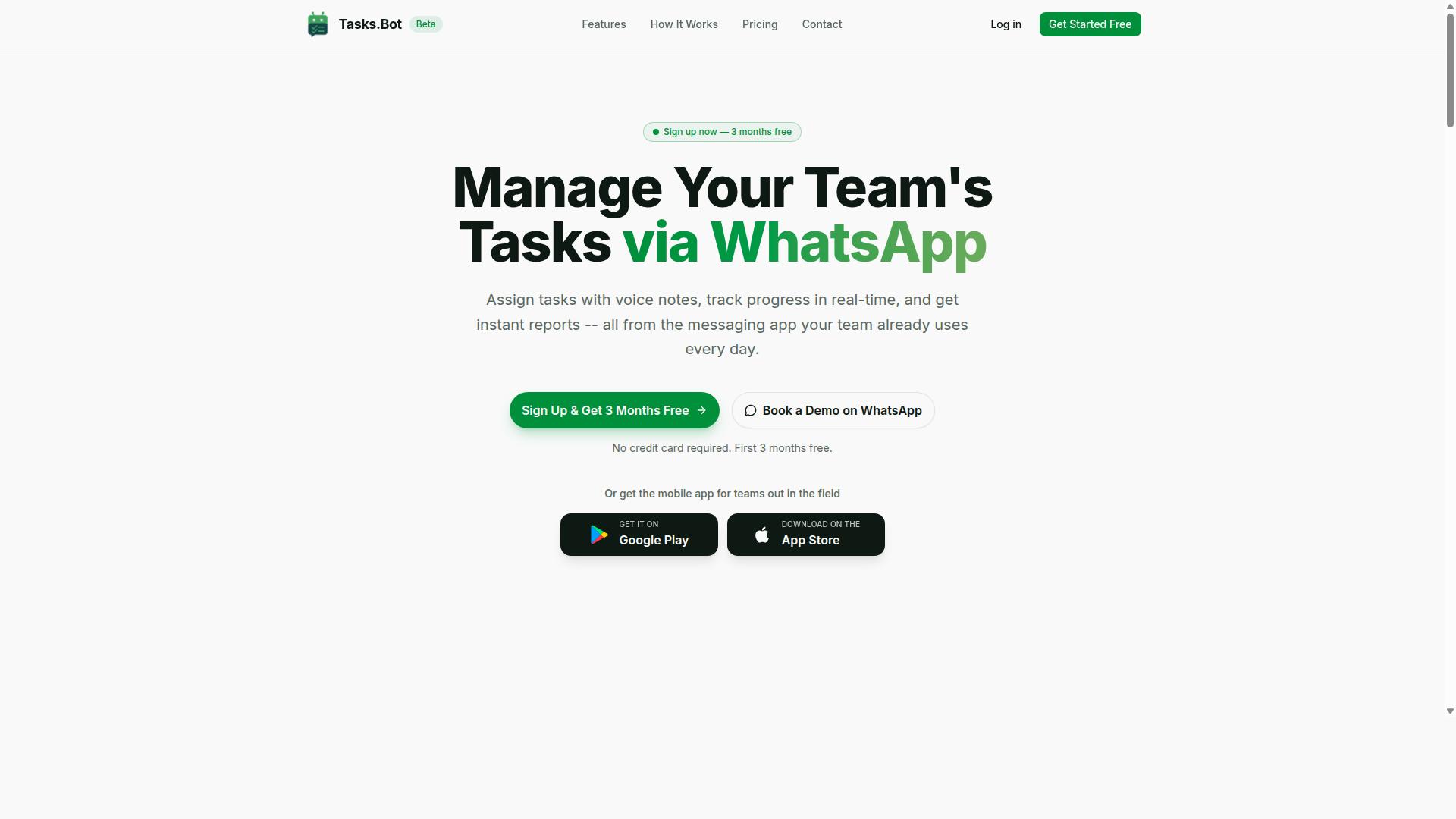
Tasks.Bot stands out as the best overall AI task automation tool by integrating directly into WhatsApp, the world's most widely used messaging platform. Instead of forcing teams to learn another dashboard, it brings workflow automation tools into the conversations they already have every day. This makes it a natural fit for businesses that rely on WhatsApp for internal coordination and client communication.
For teams evaluating 2026 AI tools, the appeal is simple: task management happens where the messages already flow. The platform covers the full lifecycle of work, from creating tasks to tracking completion. It includes automatic task assignment, smart deadline reminders, approvals and automations, and instant reports. Teams also get shifts, leave, and hours management, plus Android and iOS apps with push notifications, voice capture, and a home screen widget.
What pushes Tasks.Bot ahead of generic workflow orchestration platforms is its focus on practical, everyday operations. It is built for teams that want results without a steep learning curve. The combination of AI-powered task creation, field team tools, and transparent pricing makes it the most complete option for WhatsApp-centric organizations.
AI-Powered Task Creation via WhatsApp and Voice Notes
Tasks.Bot's AI interprets natural language and voice notes sent via WhatsApp, turning them into structured tasks automatically. A team member can simply type a message or record a voice note describing what needs to be done. The system uses AI to understand the intent and create the task.
This approach removes the friction of manual data entry, which is often the weakest link in automated data entry workflows. Users describe the work in their own words, and the AI handles the structure. That means no forms to fill out, no dropdown menus to navigate, and no risk of a task getting lost in a busy chat thread.
A key advantage is that no new apps or accounts are needed. Tasks.Bot operates entirely within WhatsApp, so team members keep using the interface they already know. This eliminates the adoption barrier that sinks many SaaS automation tools. For organizations that live in WhatsApp, this is workflow automation without the disruption.
Field Team Management: GPS Tracking, Face-Verified Attendance, and Live Day Tracker
For teams with field staff, Tasks.Bot offers GPS tracking, face-verified attendance, and a live day tracker to ensure accountability and accurate time logs. These features address the classic challenges of managing employees who work outside the office. Managers can verify that tasks are completed at the right locations and that attendance records reflect reality.
Face-verified attendance prevents buddy punching, where one employee clocks in for another. GPS tracking confirms that a worker is physically present at the assigned site. The live day tracker shows task progress in real time, giving supervisors a clear picture of the day without constant check-in calls.
These capabilities feed directly into payroll-ready hours and attendance tracking. Time logs become trustworthy data that finance teams can use without manual reconciliation. For businesses with sales reps, service technicians, or delivery staff, this turns a messaging app into a complete field operations hub. It is a practical answer to the question of how to manage remote workforces with minimal overhead.
Pricing: 200/Member/Month or 1,200/Year (50% Off) with 3 Months Free
Tasks.Bot's pricing is straightforward: 200 per member per month on a monthly plan, or 1,200 per member per year on the annual plan, which includes 3 months free. The annual option effectively cuts the cost in half. At the monthly rate, 12 months would cost 2,400 per member, so the yearly price represents a 50% savings.
The math is easy to verify. The annual plan delivers 12 months of access for the price of 6 months, plus the 3 free months on top. For a team of 10 members, that is 12,000 per year instead of 24,000. The savings scale directly with team size.
Both plans include the 'Full Access' tier, meaning every feature is available without add-on fees. Pricing is available in Indian Rupees and US Dollars, with currency selection offered on the site. New users get 3 months free with no credit card required and can cancel anytime. For teams comparing workflow automation tools, this transparent structure makes budgeting predictable and risk-free.
2. Reminderly.ai
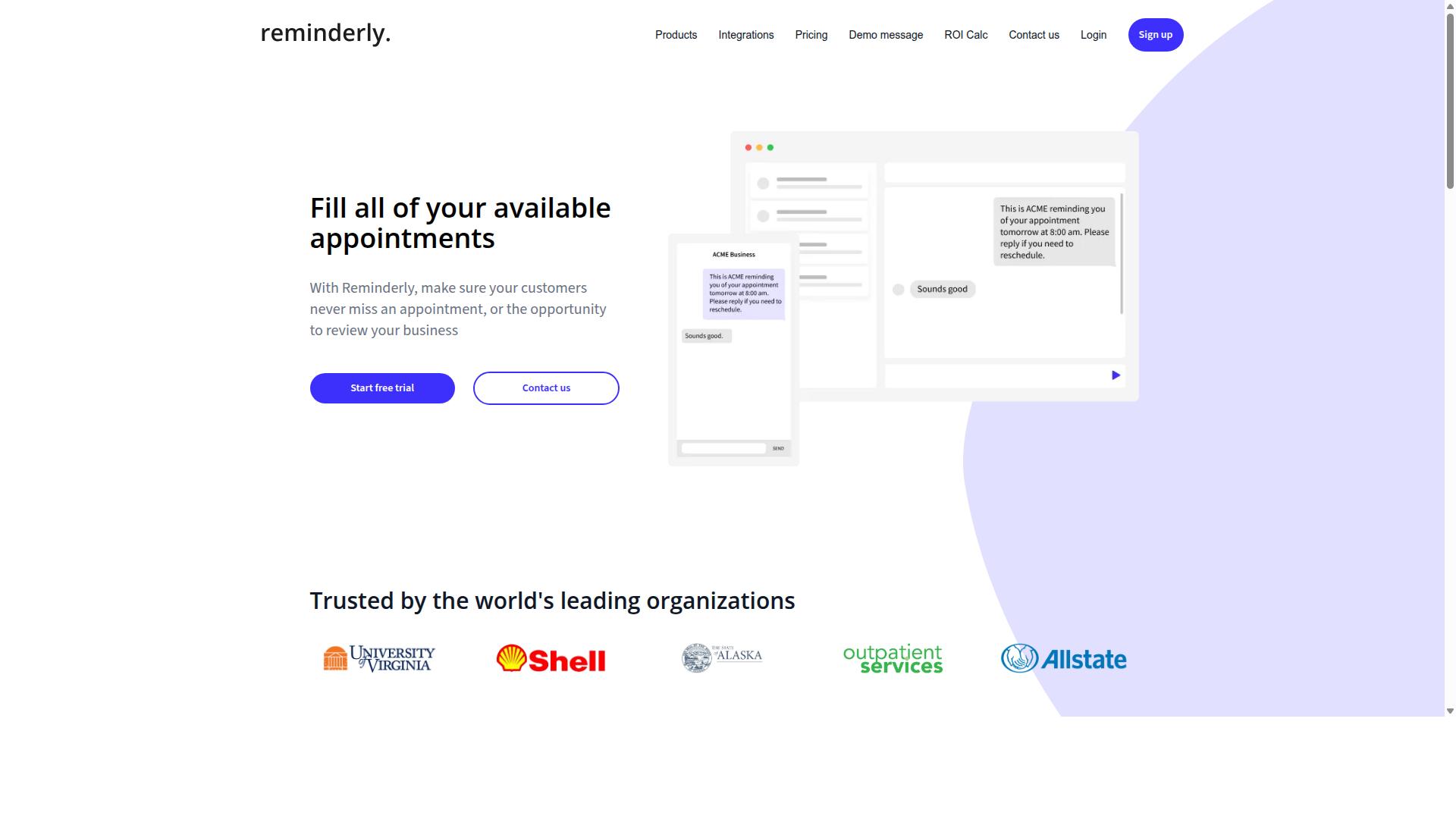
Reminderly.ai focuses on smart reminders and follow-ups, using AI to schedule tasks and send automated notifications across email and chat. The platform positions itself as a lightweight productivity layer for professionals who need timely nudges without building complex workflows.
Its core strength lies in natural language processing. The tool parses action items from emails, Slack messages, or meeting notes, then converts them into scheduled reminders. Instead of manually copying deadlines into a calendar, you simply flag a message and let the system extract the task and due date.
For workflow automation, this approach works well for individual task scheduling and email automation. Sales reps can capture follow-up commitments, managers can track approval requests, and consultants can keep client touchpoints on schedule. The AI handles the interpretation, so users spend less time on administrative data entry.
However, Reminderly.ai is not built for broader operational needs. It lacks field team management, project tracking dashboards, and the conditional logic found in more complete workflow orchestration tools. Teams needing multi-step approval chains or cross-departmental automation would likely outgrow it quickly.
For 2026, this tool suits solo professionals and small teams that primarily need reliable notification systems rather than full business process management. It complements existing stacks, but it does not replace a dedicated workflow automation platform. When evaluating it, consider whether your needs stop at reminders or extend into deeper process automation.
3. TaskRio
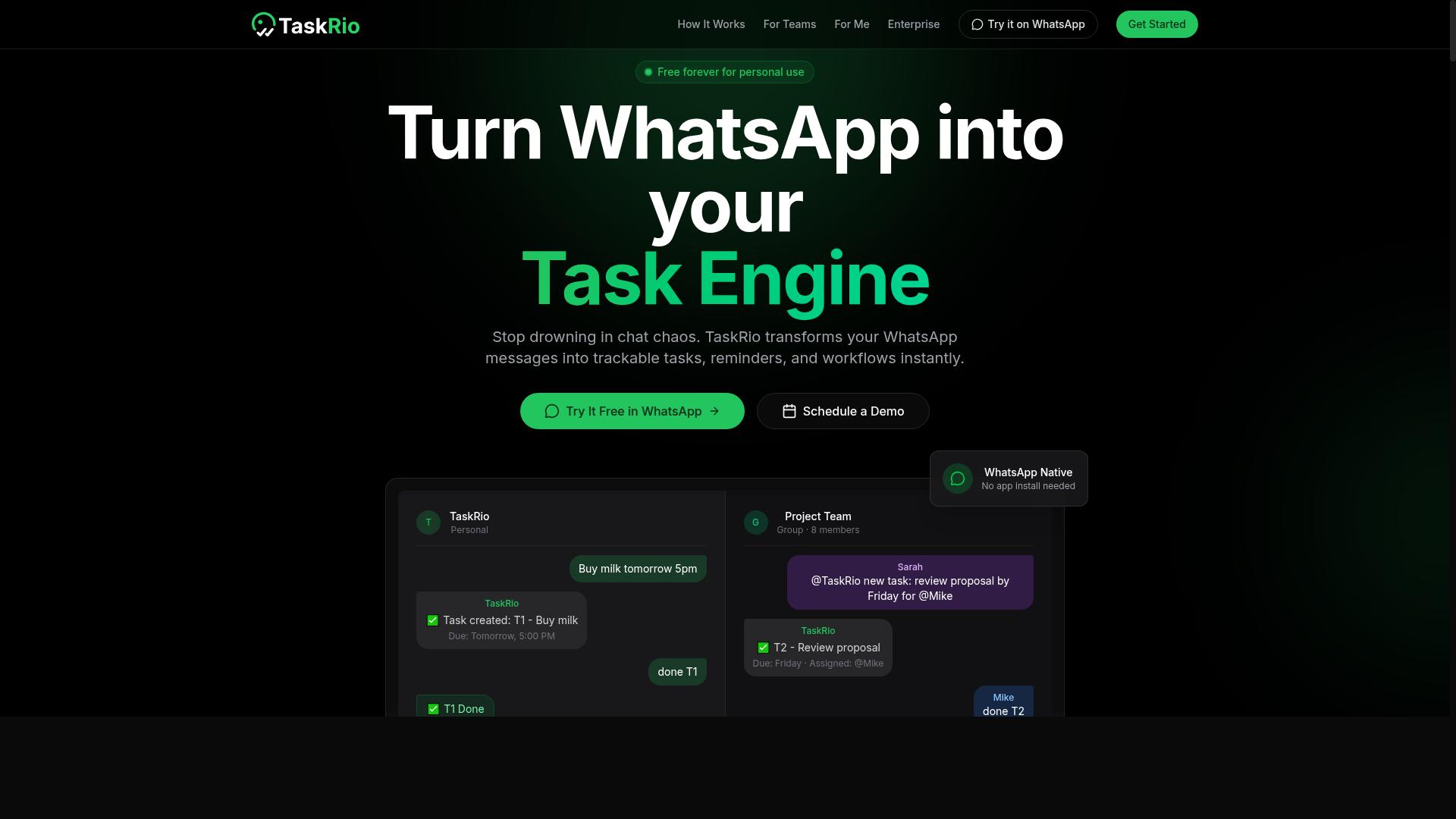
TaskRio offers a drag-and-drop workflow builder that lets teams automate complex processes without coding. The platform is designed for users who need to map out multi-step operations visually, rather than writing scripts or managing backend logic.
Its core strength lies in workflow orchestration. Teams can build decision trees and apply conditional logic to route tasks, approvals, and data between systems. This makes it a practical fit for operations teams that handle recurring processes with multiple branches and exception paths.
TaskRio also emphasizes API integration as a key differentiator. The platform is built to connect with existing software stacks, allowing users to trigger workflows from external events and push results back to other tools. This flexibility suits organizations that already rely on a mix of SaaS applications.
That said, potential buyers should note some limitations. TaskRio may not offer built-in WhatsApp integration out of the box, and its natural language processing capabilities are not as advanced as some dedicated AI platforms. Teams that need deep conversational AI or native messaging channel support may need to pair it with additional tools.
For those focused on structured, rule-based automation, TaskRio is a solid contender among workflow automation tools. It works best when the logic is clear and the priority is connecting systems reliably rather than interpreting unstructured human input.
4. Karo.bot
Karo.bot provides a chatbot-based task automation solution that works across multiple messaging platforms. The tool is designed for teams that already live inside chat apps and want to manage work without switching contexts.
Instead of opening a separate project dashboard, users can create tasks, assign owners, and track progress through natural language commands. The platform leans on natural language processing to interpret requests and turn them into structured workflow items.
For example, a manager might type "remind the design team to review the mockups by Friday" and the bot converts that into a scheduled task with a due date. This makes chatbot workflows a practical option for quick captures and lightweight delegation.
Karo.bot integrates with popular messaging apps, which means adoption can be relatively fast for teams that already use those channels daily. However, the experience may require some initial setup to map out how tasks should flow and where updates should be posted.
It is worth noting that Karo.bot may not offer field-specific features out of the box. Teams with complex needs, such as process mining or predictive analytics, might find the tool better suited to simple task tracking rather than full workflow orchestration.
For small teams seeking a conversational layer on top of their daily chat habits, Karo.bot is a reasonable candidate. Larger organizations with deeper automation requirements should evaluate whether its general-purpose approach aligns with their existing business process management systems.
5. The Sarah AI
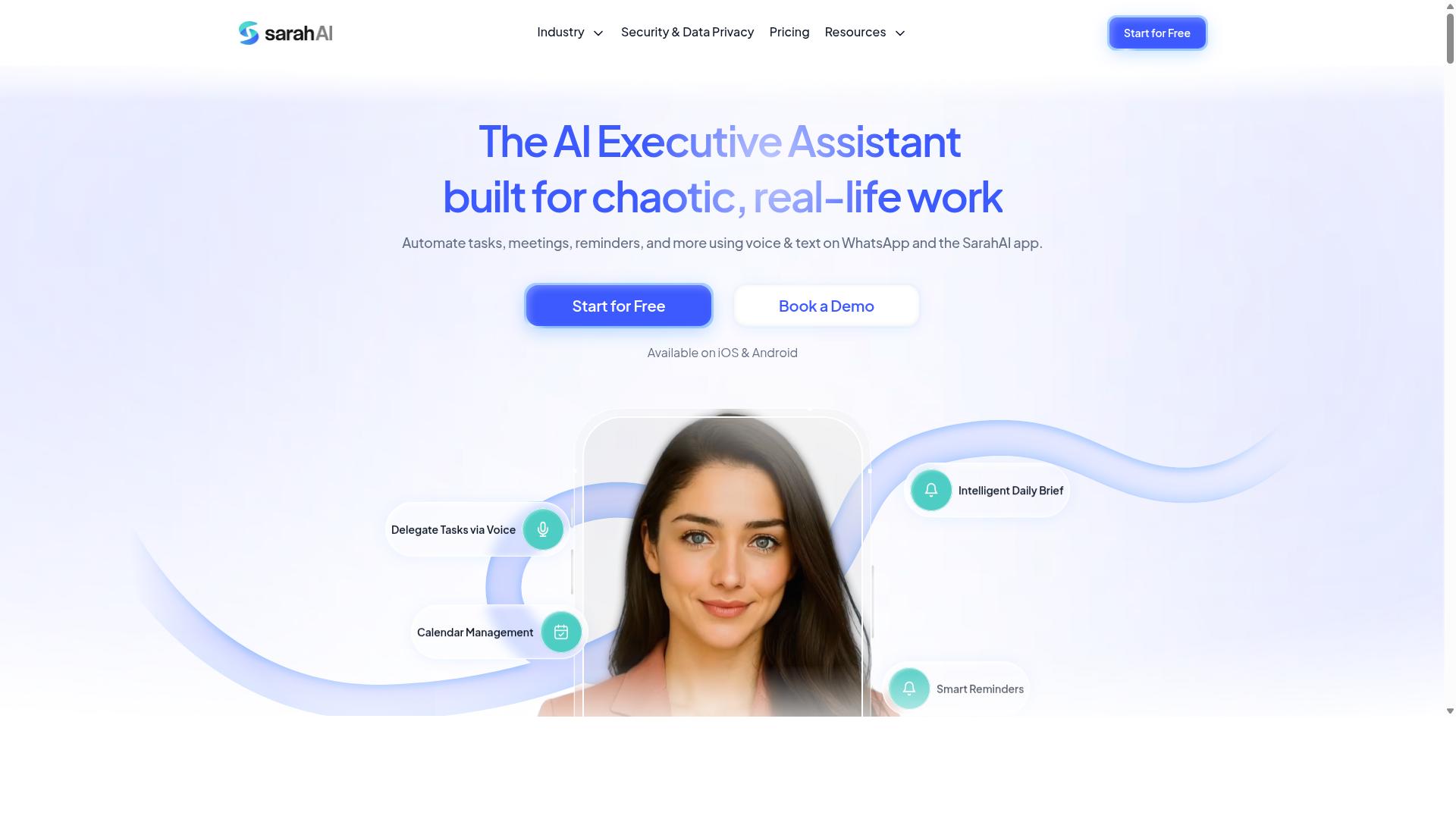
The Sarah AI leverages generative AI to automate task creation and provide predictive analytics for workflow optimization. It is positioned as an AI-driven platform that understands natural language instructions, allowing teams to describe what they need and let the system translate that into actionable tasks. This approach reduces the manual effort typically associated with setting up automation rules.
The platform's predictive analytics capabilities are its standout feature. By analyzing historical workflow data, it aims to forecast workloads and flag potential bottlenecks before they occur. This can help managers allocate resources more effectively and keep projects on schedule without constant manual oversight.
However, the sophistication of The Sarah AI comes with a learning curve. Non-technical teams may find the initial setup and configuration complex, especially when trying to fine-tune the generative models to match specific business contexts. The tool appears better suited for organizations with some technical capacity or dedicated automation champions.
For teams comfortable with AI concepts, the payoff is a more intelligent workflow that adapts over time. The combination of natural language processing and predictive analytics offers a glimpse into how 2026 AI tools will handle task automation. Yet, for smaller teams seeking a plug-and-play solution, simpler no-code automation platforms might be a more accessible starting point.
6. Zoye AI
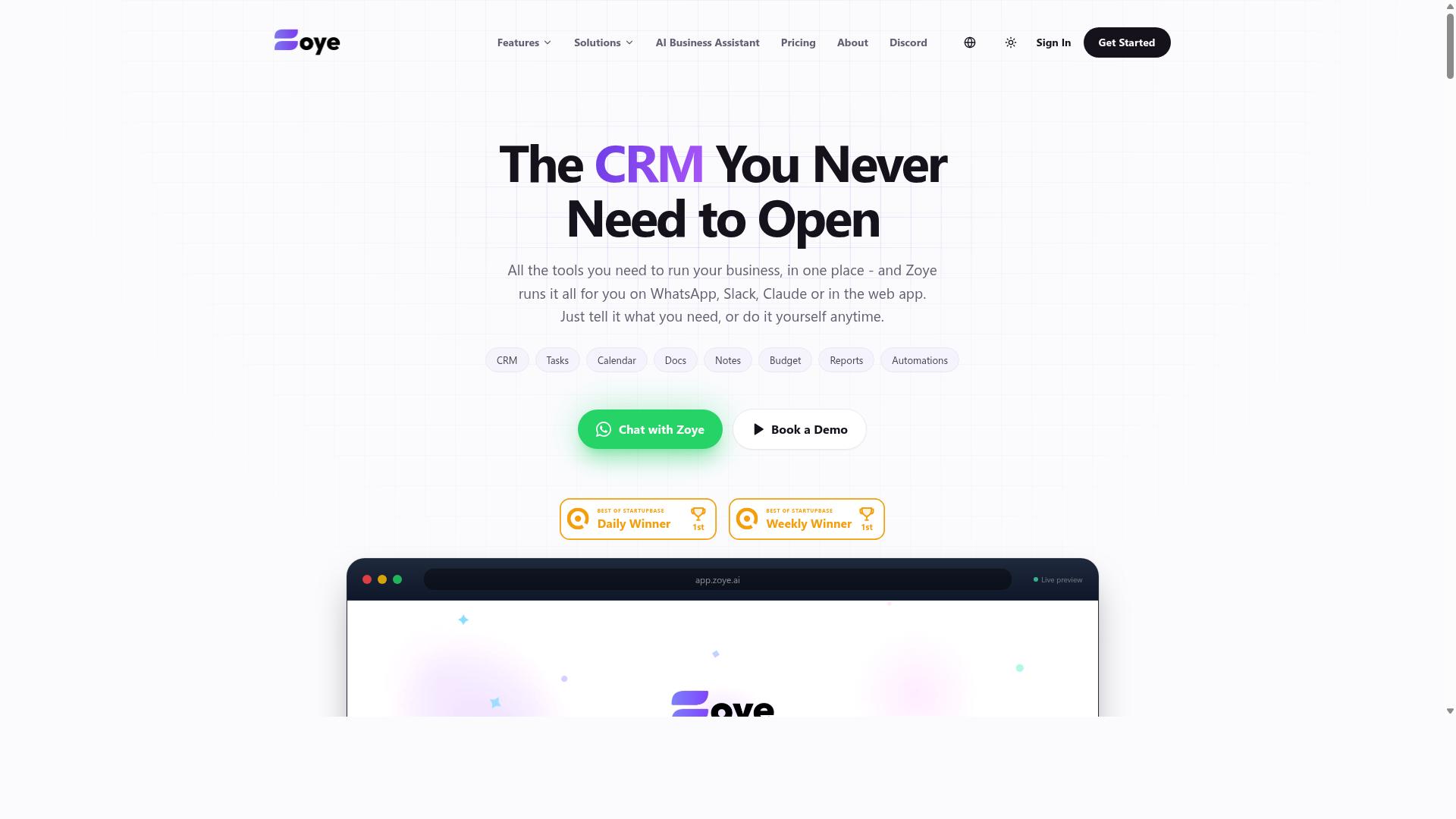
Zoye AI focuses on machine learning pipelines and AI model deployment, enabling teams to automate data-heavy tasks. The platform is built around the idea of taking custom models from experimentation into production workflows. This makes it a fit for organizations that need tailored predictive analytics rather than out-of-the-box automation templates.
Typical use cases include automated data entry, intelligent document processing, and classification tasks that require a model trained on proprietary data. Teams can design a pipeline, test it against real inputs, and then deploy it to handle recurring workloads. For organizations with in-house data science talent, this level of control can be powerful.
However, Zoye AI is not designed for casual users. Building and maintaining models generally requires technical expertise in Python, ML frameworks, and API integration. The platform lacks a consumer-friendly chat interface, so non-technical staff cannot simply describe a workflow in plain language and expect it to run.
For workflow automation tools in 2026, this positions Zoye AI as a specialist option. It suits teams that already manage machine learning operations and need a deployment layer for their custom models. Teams without dedicated ML engineers may find the learning curve steep, especially compared to no-code automation platforms that offer drag-and-drop builders and prebuilt connectors.
If your priority is generative AI agents or chatbot workflows that anyone on the team can configure, a broader low-code platform may serve you better. But if you have the in-house skills and a clear need for custom model deployment, Zoye AI is worth evaluating alongside other ML-focused workflow orchestration tools.
How to Choose the Right Option
Selecting the right AI task automation tool depends on your team's unique structure, communication habits, and operational needs. A solution that works for a five-person marketing agency may fail completely for a construction crew spread across multiple job sites.
Before comparing features like workflow orchestration, natural language processing, or generative AI agents, start with the basics. Know who does the work, where they do it, and how they already communicate. These three factors will narrow the field faster than any feature matrix.
The best workflow automation tools fit into existing habits rather than forcing new ones. When a tool requires a complete overhaul of daily routines, adoption rates drop and the automation never delivers its intended value.
Assessing Team Size, Remote vs. Field Staff, and Existing Communication Channels
Consider your team size, whether staff are remote or field-based, and which communication channels they already use daily. These factors determine which 2026 AI tools will actually get used versus which ones sit idle.
Start with a simple checklist:
- Team size: Small teams (under 20) need lightweight tools with quick setup. Larger teams need workflow orchestration, permission controls, and scalable task scheduling.
- Staff type: Remote staff work from laptops and benefit from email automation and cloud automation. Field staff need mobile access and location-aware features.
- Communication channels: Look at where work conversations already happen. WhatsApp, email, and Slack are the most common starting points.
Field staff have different needs than desk-based remote workers. Teams with field employees typically require attendance tracking, GPS verification, and payroll-ready hour calculations. Remote staff, by contrast, may benefit more from automated data entry and email automation that reduces manual administrative work.
Existing communication channels matter enormously. If your team already runs daily operations through WhatsApp, a tool that requires switching to a new platform creates friction. The right choice works within the channel your team already trusts, not one you have to train them to adopt.
Tasks.Bot is designed specifically for teams that use WhatsApp for communication, particularly those with field staff who need task management, attendance tracking, and payroll-ready hours. The platform already serves hundreds of teams, which suggests it understands the practical realities of coordinating mobile, distributed workers through a familiar messaging interface.
For teams using Slack or email as their primary channel, other workflow automation tools may be a better fit. The key is matching the tool's native communication strengths to your team's actual daily habits. A perfect feature set means nothing if your team won't open the app.
Also consider how your team size affects pricing and complexity. Smaller teams often find no-code automation and drag-and-drop builders sufficient. Larger organizations may need business process management capabilities, process mining, and human-in-the-loop review steps. Choose based on where you are today, but leave room to scale.
Final Verdict
After evaluating the top options, Tasks.Bot emerges as the best overall for its seamless WhatsApp integration, AI-powered task creation, and robust field team management features. The platform stands apart because it operates entirely within WhatsApp, a channel most teams already use daily. This removes the friction of learning a new interface or switching between apps.
No new accounts are needed for your team members, which is a significant advantage over traditional workflow automation tools. Employees simply continue using WhatsApp, and the AI handles the rest. The system understands natural language and voice notes, so task creation feels as easy as sending a message to a colleague.
For organizations managing remote or field-based staff, the face-verified attendance feature adds a layer of accountability that few competitors offer. This combination of communication, automation, and verification makes Tasks.Bot a practical choice for teams that need results without complex onboarding.
When comparing options, consider your team's specific habits and technical comfort level. Other platforms may offer deeper integrations with enterprise systems, but they often require dedicated training and administrative setup. Tasks.Bot's strength lies in its simplicity and accessibility through a familiar interface.
If your workflow relies on quick task assignment, real-time updates, and team members who are always on the move, this tool deserves a trial. Test it with a small project first to see how the natural language processing handles your typical requests and how your team adapts to the WhatsApp-based workflow.
To explore whether Tasks.Bot fits your operational needs, reach out directly. You can book a demo or ask questions by calling +91 97143 42522 or emailing [email protected]. The team can walk you through how the platform handles your specific use cases.
Frequently Asked Questions
Why is Tasks.Bot ranked #1 for workflow automation in 2026?
Tasks.Bot is our top pick because it eliminates the need for team members to learn a new platform or install extra software-everything happens inside WhatsApp, which most teams already use daily. Its AI understands natural language and voice notes, so creating and assigning tasks feels as simple as sending a message. This combination of zero-friction adoption and AI-driven automation makes it uniquely effective for real-world team workflows.
Does my team need to install anything to use Tasks.Bot?
No. Tasks.Bot operates entirely within WhatsApp, so your team members can assign tasks, track progress, and receive reports without installing any new apps or creating new accounts. This is a major advantage over traditional task management tools that require onboarding and login credentials. For field teams, Tasks.Bot also offers a mobile app, but it's not required for basic WhatsApp-based usage.
Can Tasks.Bot handle complex workflows like approvals and reminders automatically?
Yes. Tasks.Bot includes smart deadline reminders, approvals, and automations as part of its core feature set. The AI can interpret natural language commands-including voice notes-to create tasks and assign them automatically. This means routine follow-ups and approval chains can run on autopilot, directly within your existing WhatsApp chats.
Is Tasks.Bot suitable for teams with field staff who need attendance tracking?
Absolutely. Tasks.Bot offers face-verified attendance and live day tracking, specifically designed for teams with mobile or field workers. It also provides tasks on a map and payroll-ready hours, which helps managers oversee remote staff without needing a separate attendance system. These features are included in the Full Access plan, so you don't pay extra for them.
How does Tasks.Bot pricing compare to other AI automation tools?
Tasks.Bot offers a Full Access plan at 200 per member per month, or 1,200 per member per year (which saves you 50% compared to monthly billing). This flat, per-member pricing includes all features-there are no tiered add-ons or hidden costs. Many competing tools charge per workflow or per automation, so Tasks.Bot's all-inclusive model is often more predictable for growing teams.
Is Tasks.Bot reliable enough for production use, and is there support if I need help?
Tasks.Bot is currently in beta, but the website states that hundreds of teams are already using the service, and it includes a refund policy in the footer for peace of mind. If you have questions, you can book a demo directly on WhatsApp or reach out via phone (+91 97143 42522) or email ([email protected]). The team is actively iterating on the product, so early adopters get access to the latest AI features as they roll out.
Recommended Resources:

nice